Free live workshop

From Brand → GUI → Live IoT Dashboard

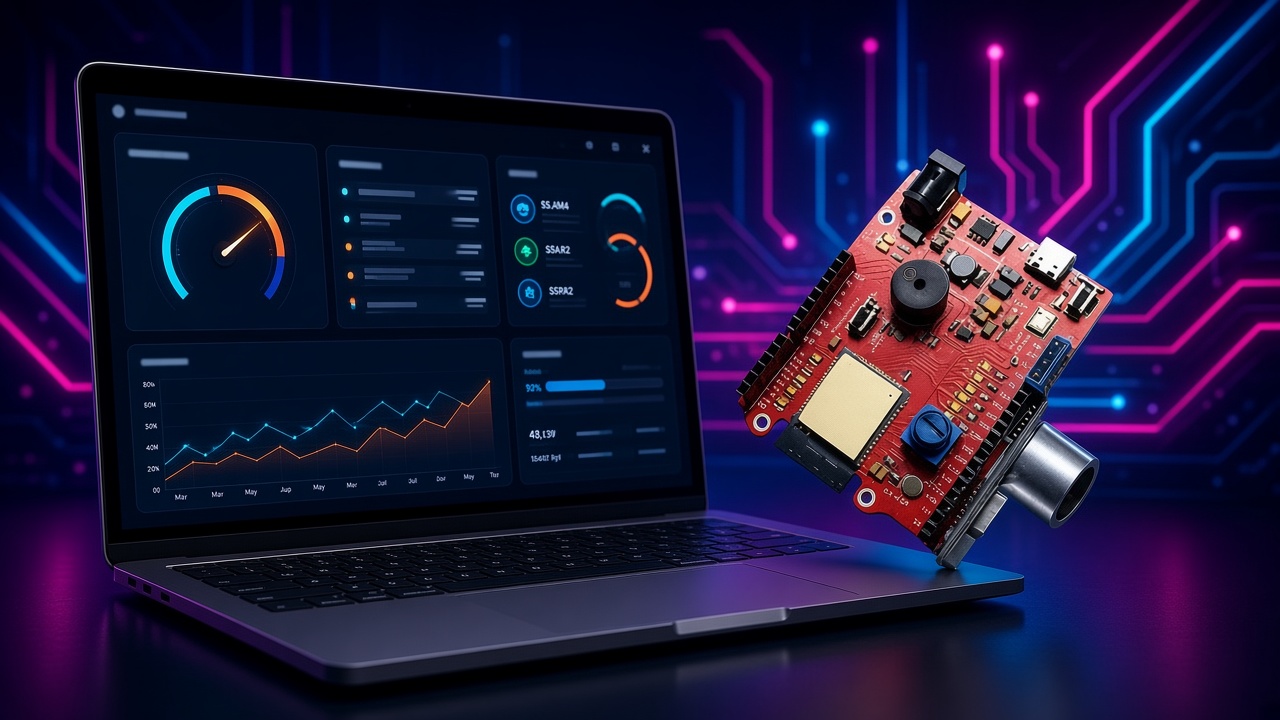
One session. Brand with AI memory packs, build a meaningful web GUI, and watch it connect to real hardware — using DeskMemory and Rebel Glitch training workflows.

Thursday, 25 June 20263:30 PM SAST · 90 minutes

Free to attend. Replay shared with registrants. No spam.

DeskMemory

Save AI chats as Markdown, re-inject them later, and use memory packs — master prompts with board pinouts and brand voice — so every demo stays consistent.

Browser GUI

Build hero sections, product cards, and dashboard layouts live — the same skills Tier 1 teaches for portfolios employers actually open.

ESP32 proof

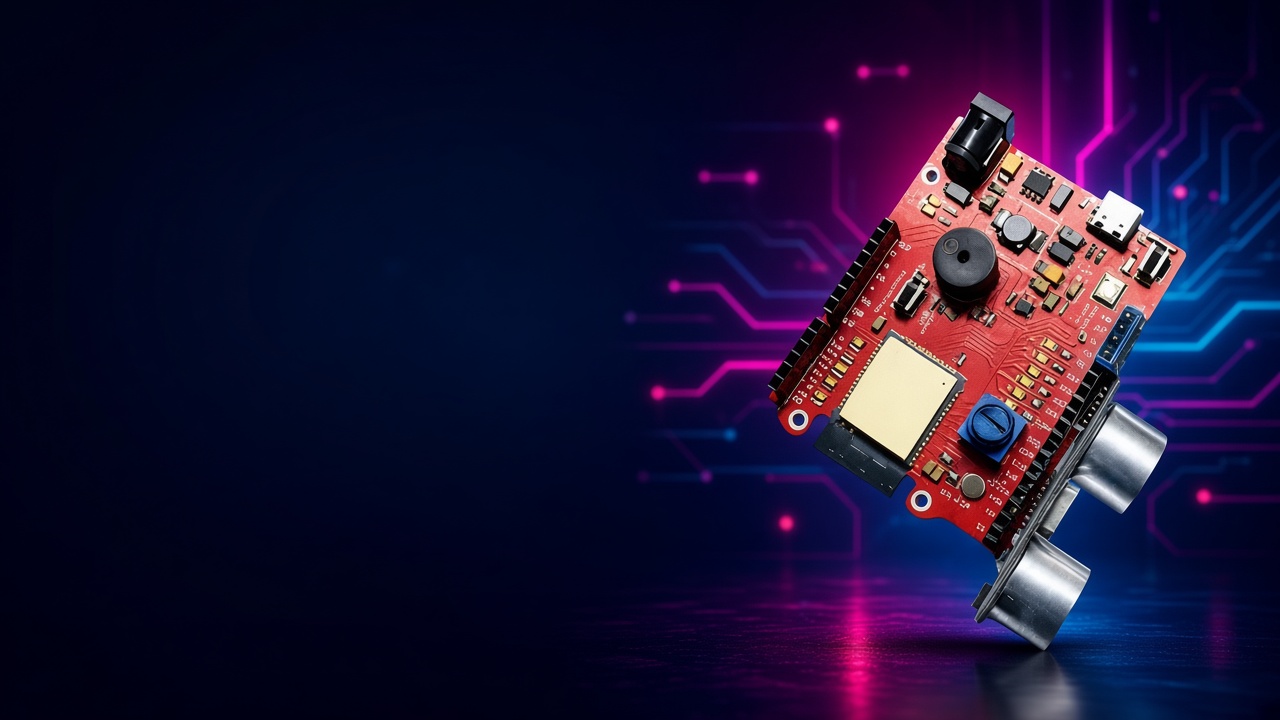
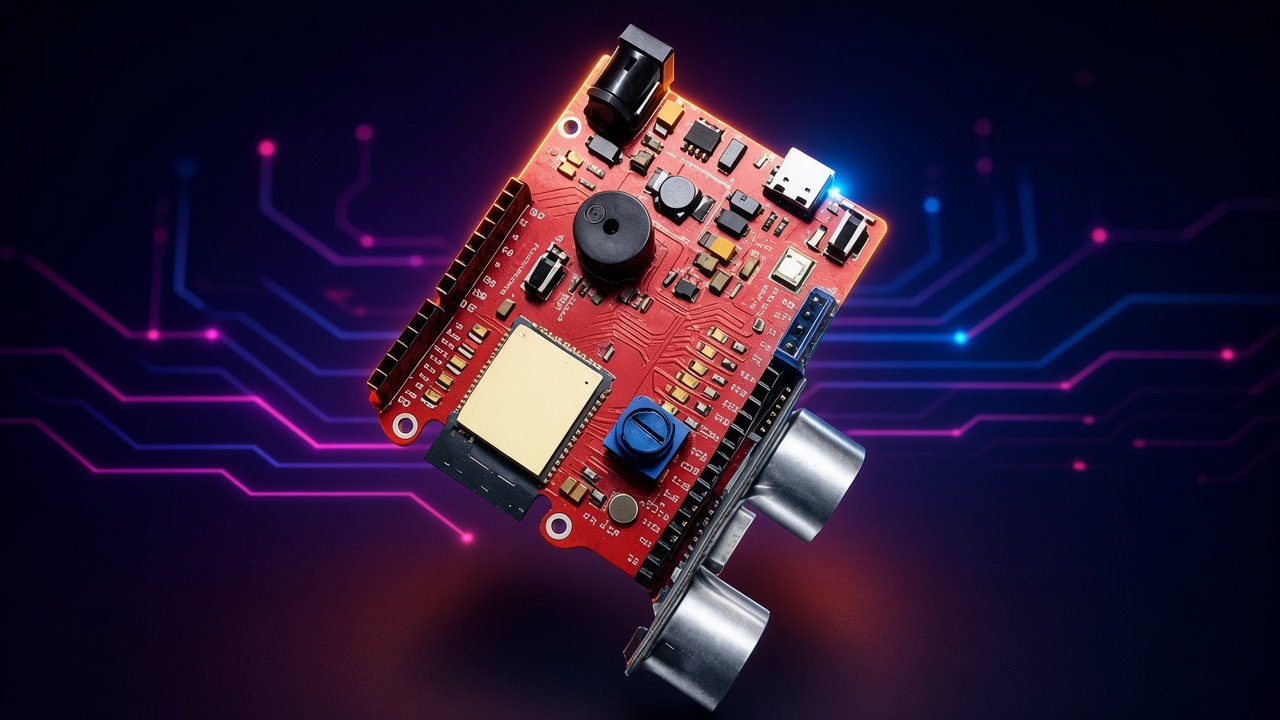
See a branded page served from a board — toggle an LED and stream sensor data. No firmware lecture; just proof the workflow works on real hardware.

What we'll cover

  1. 0:00

    Setup & download

    Get DeskMemory (free) and open the Starter Vault we'll share before the session.

  2. 0:05

    Branding in 10 minutes

    Use the Brand Voice memory pack in DeskMemory to generate a brand one-pager live.

  3. 0:15

    Build the GUI in the browser

    Turn that brand into a multi-section web page — hero, product cards, dashboard layout.

  4. 0:40

    IoT bridge: GUI on an ESP32

    See a branded dashboard served from a board — toggle LEDs and live sensor data in the browser.

  5. 0:55

    Portfolio proof

    Package brand, images, code, and the IoT demo into a GitHub repo you can show employers.

  6. 1:10

    Q&A & next steps

    Ask anything. Learn how Tier 1 keeps this workflow going every month.

Ready to join?

Download DeskMemory before the session. We'll share the Starter Vault and memory packs when you register.

Register free →

New to Rebel Glitch? Explore Tier 1 training